Examples
· 2 min read
Real-world examples of using MatrixHub.
Common use cases
Intranet vLLM cluster distribution
- Scenario: A production intranet runs a vLLM inference cluster with 100 GPU servers. Because model files can be huge, such as a 70B model exceeding 130GB, having every machine pull from public Hugging Face is slow and may trigger outbound bandwidth throttling.
- Flow overview:
- Single access point: Set the
HF_ENDPOINTenvironment variable of all vLLM nodes to the internal MatrixHub endpoint. - Pull once, cache for all: When the first node requests a model, MatrixHub pulls it from the public network and persists it locally; subsequent nodes hit the intranet cache directly.
- Single access point: Set the
As a user, I want to point the
hf downloadendpoint to MatrixHub so that later downloads inside the same network become much faster after the first request has already cached the model.
Steps
- Visit the MatrixHub address
http://x.x.x.x:3001and open the login page.
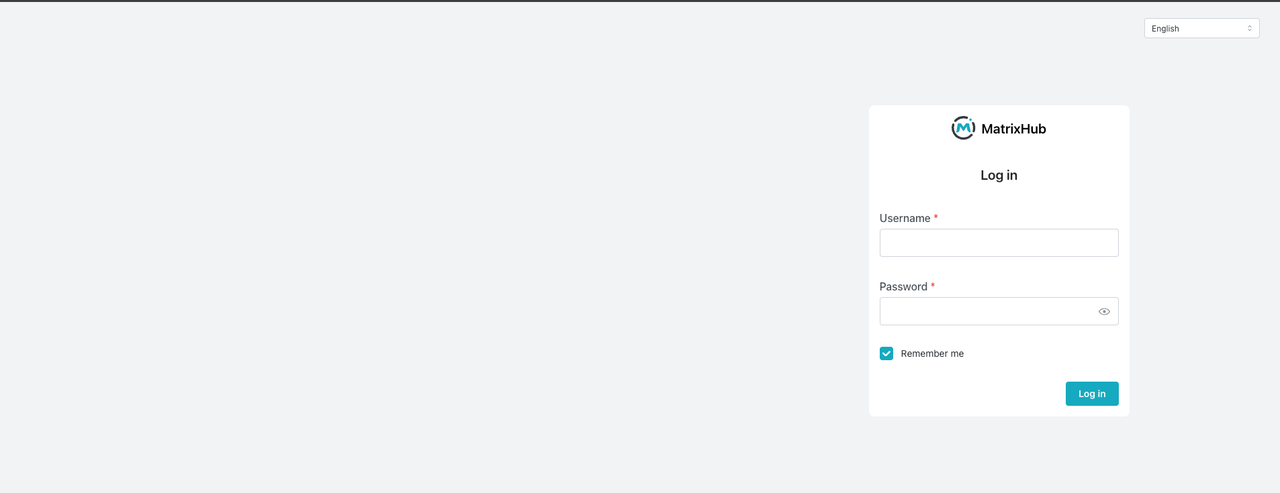
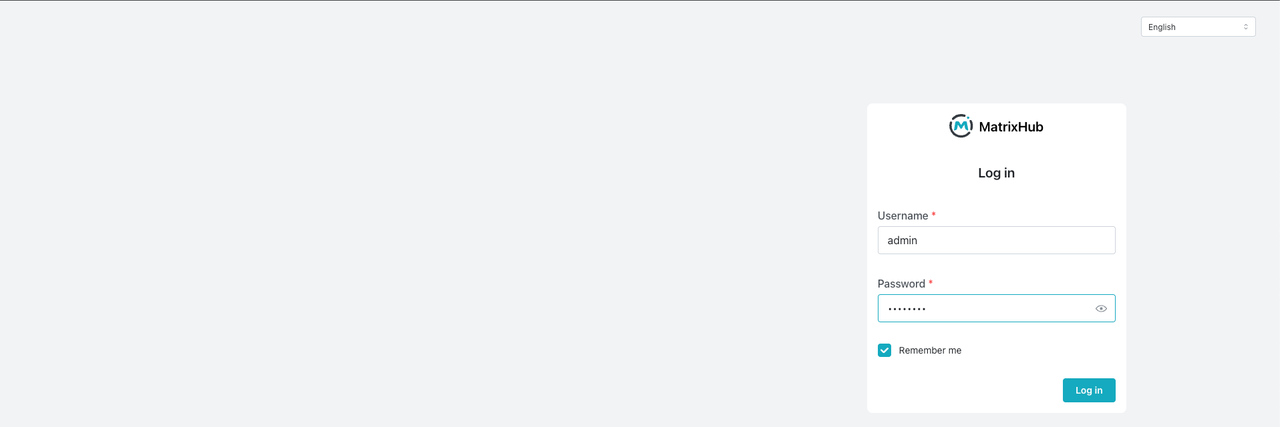
- Log in as the admin user and open the model repository list.
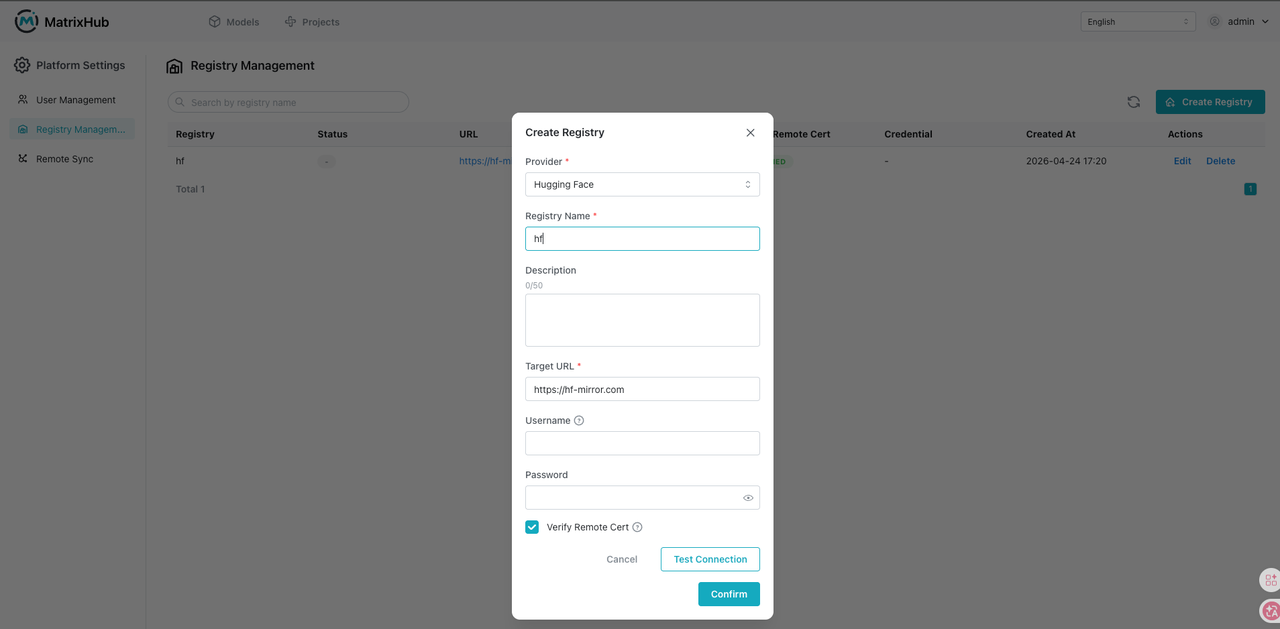
- Click the top-right user menu, then go to Platform Settings and Registry Management.

- Create a target registry: select Hugging Face as the provider, set the registry name to
hf, enter the target URLhttps://hf-mirror.com, enable remote certificate verification, and clickOK.

- Go to Project Management and open the project list page.

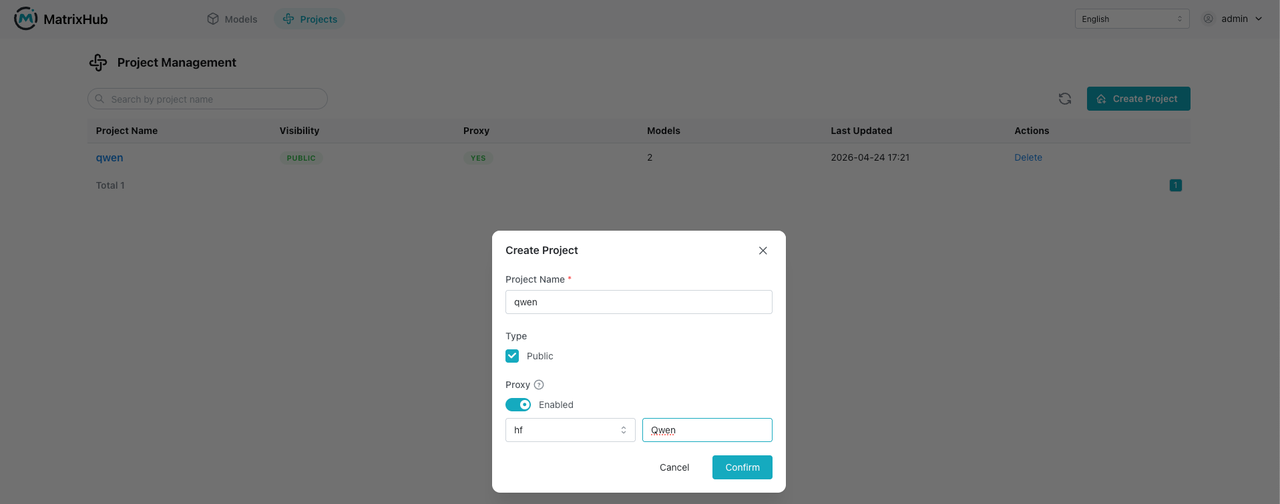
- Click
Create Project: set the project name toqwen, set it toPublic, enableProxy, select the registry, set the proxy organization toQwen, and clickOK.
-
Pull the model.
- First node: about
3m37.318s
- First node: about

- Second node: about
0m8.500s

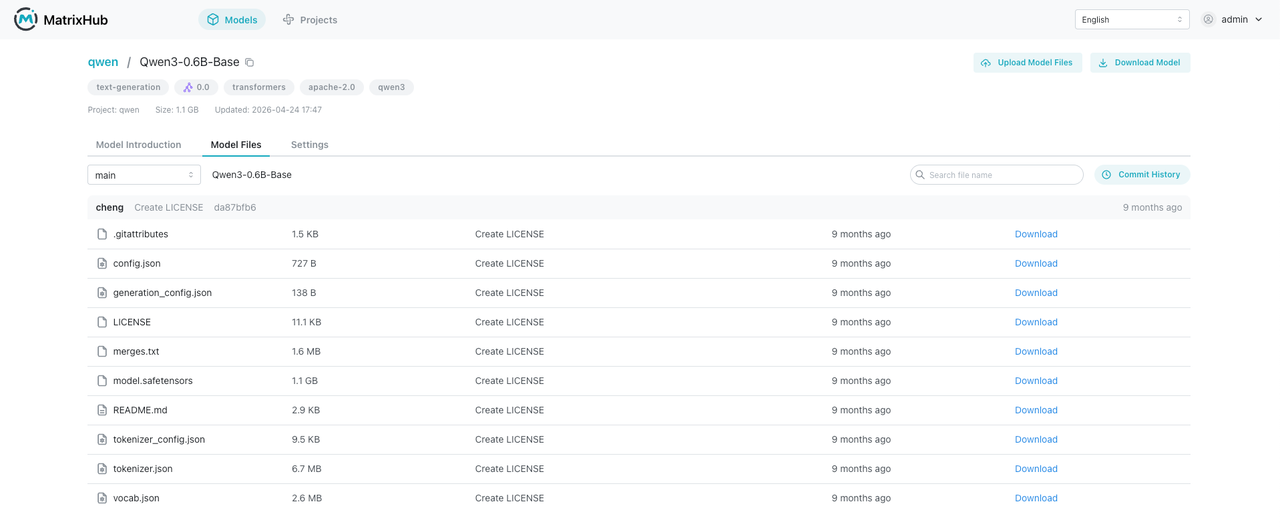
- View the model information in MatrixHub.