User Management
Only platform administrators can access and operate the user management functions.
Prerequisites
- Logged in to MatrixHub with a platform admin account.
User List Overview
The user management page contains the following information and operations:
| Parameter | Description |
|---|---|
| Username | The unique identifier of the user account. |
| Platform Admin | Indicates whether the user has platform administrator permissions. |
| Source | The source of the user, supporting Built-in or LDAP. |
| Creation Time | The time the user account was created. |
| Operations | Supports Create User, Set as Admin, Cancel Admin, Reset Password, and Delete. |
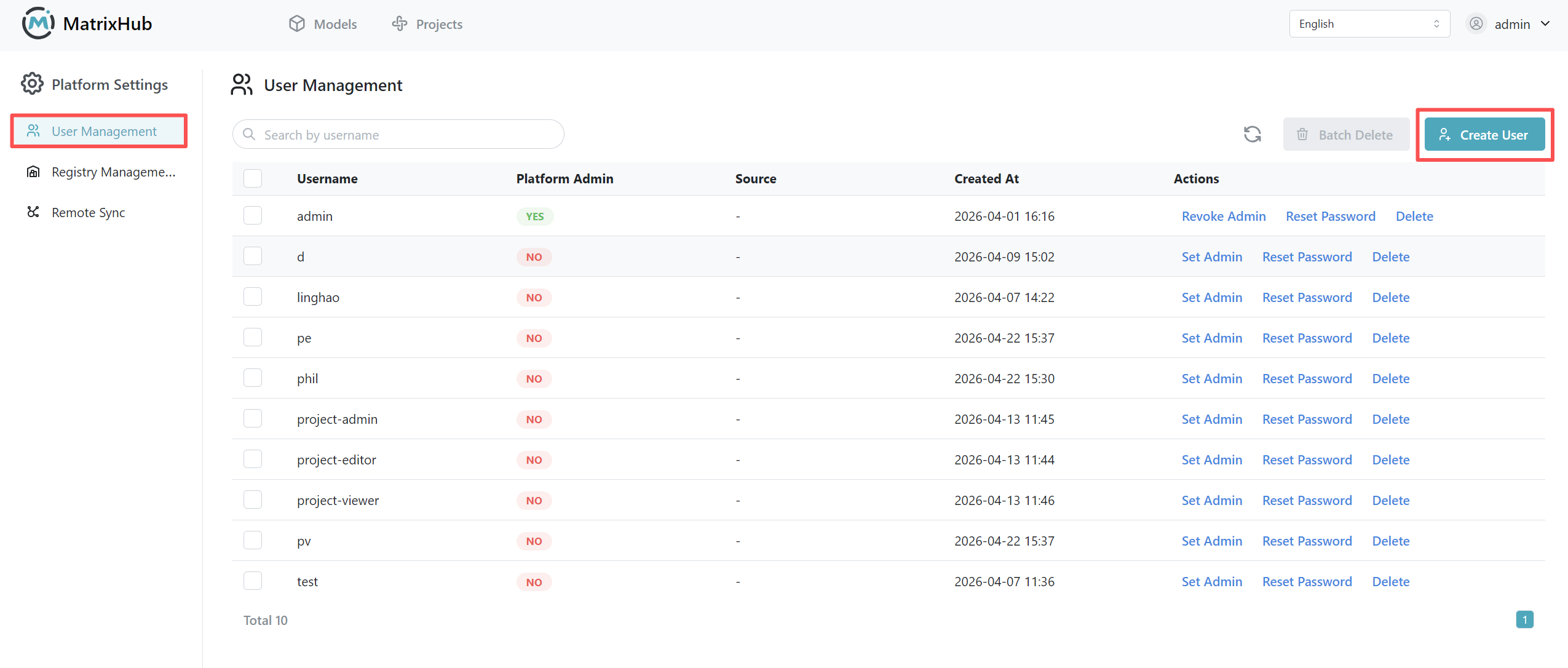
Create User
- Navigate to the Platform Settings -> User Management page and click Create User.
- Enter the username, password, and confirm password; check Set as Admin if necessary.
- Click Confirm to complete the creation.
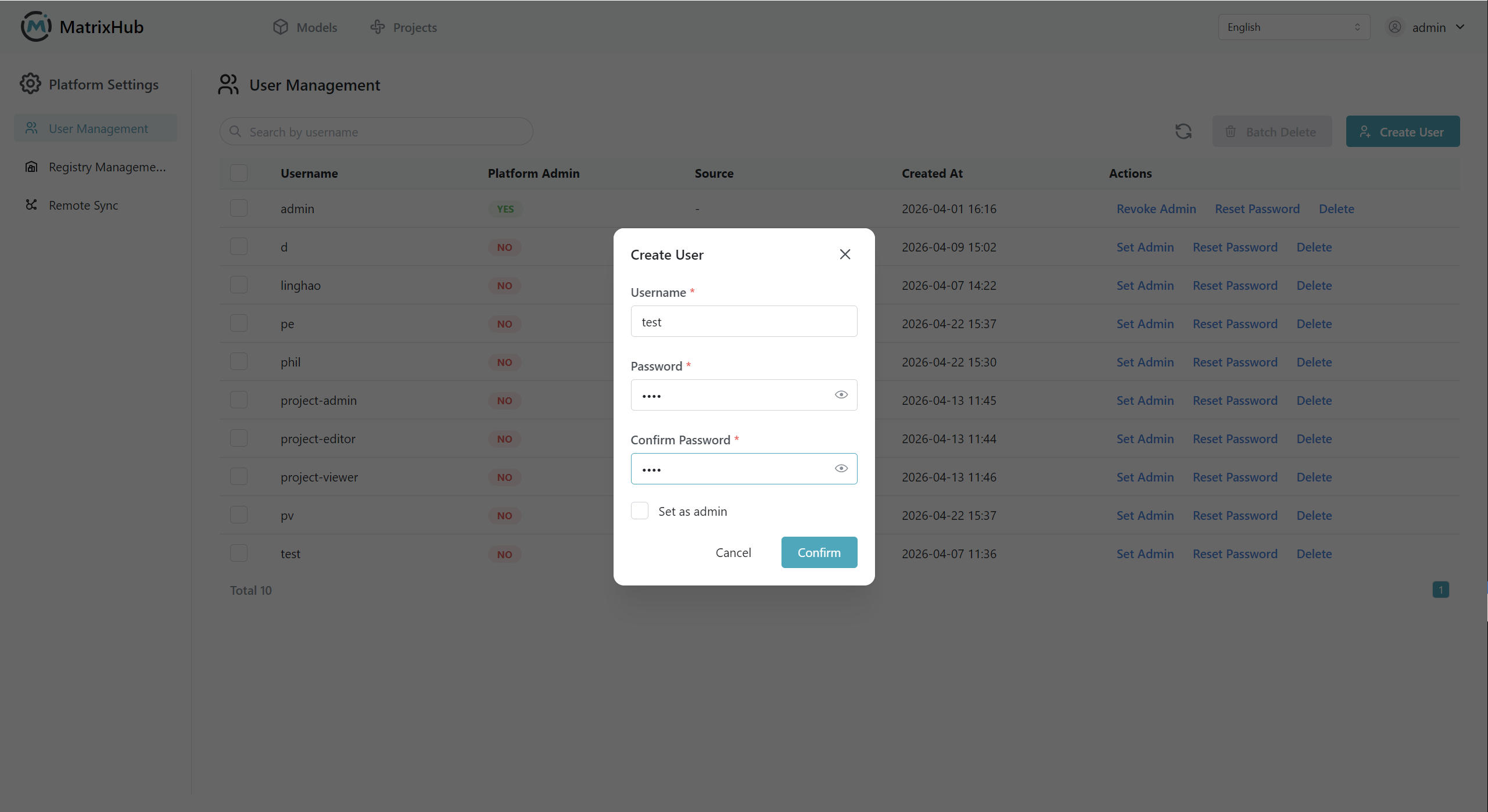
Reset Password
- Find the target user in the user list and click Reset Password.
- Enter the new password and confirm the password.
- Click Confirm to submit.
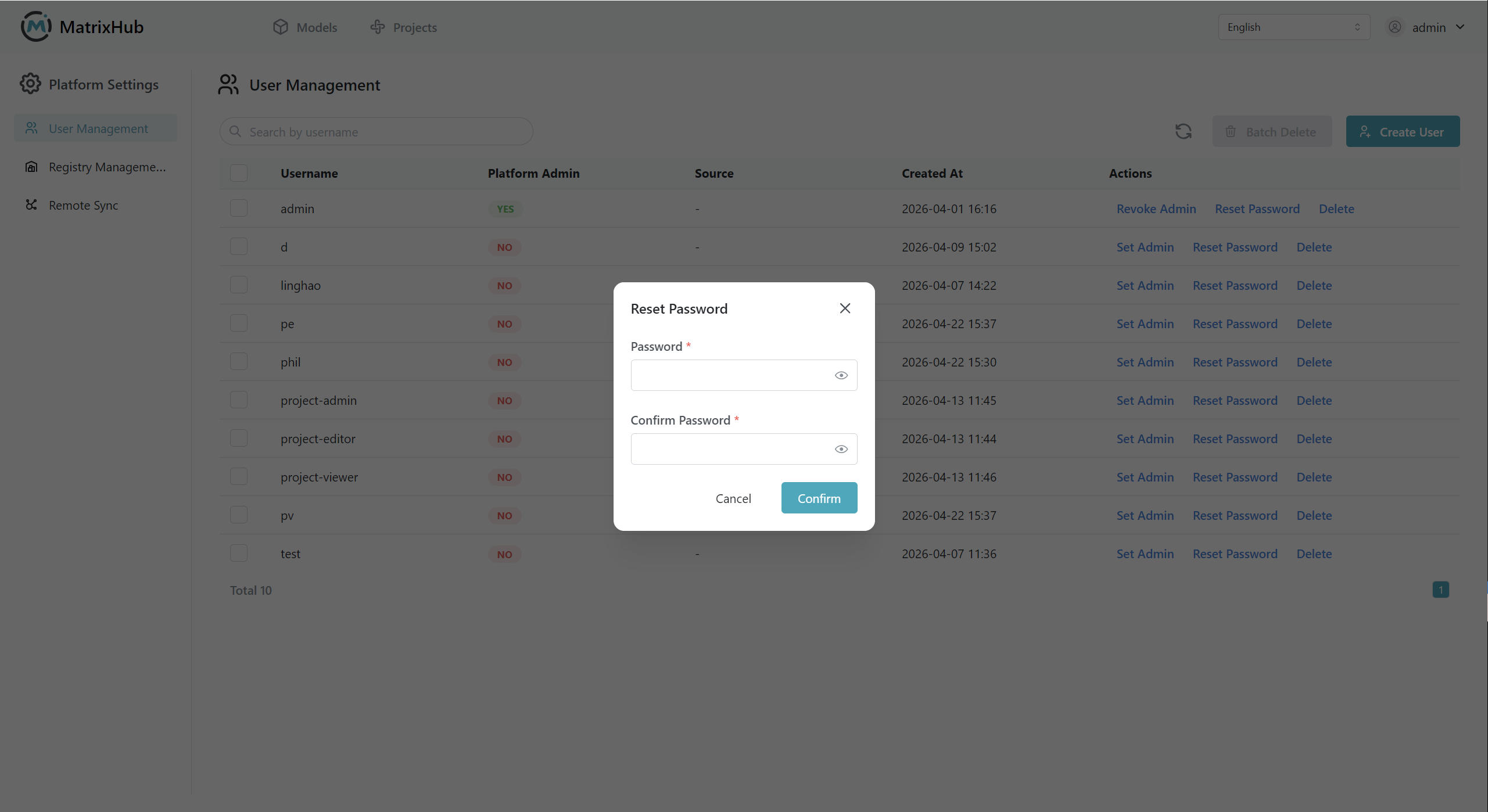
Delete User
- Find the target user in the user list and click Delete in the Actions column.
- Click Delete to confirm your deletion on the pop-up window.
Set or Revoke Admin
To set a user as Admin, click Set Admin in the Actions column.
To cancel a user as Admin, click Revoke Admin in the Actions column.