Cache models through a proxy project
Goal
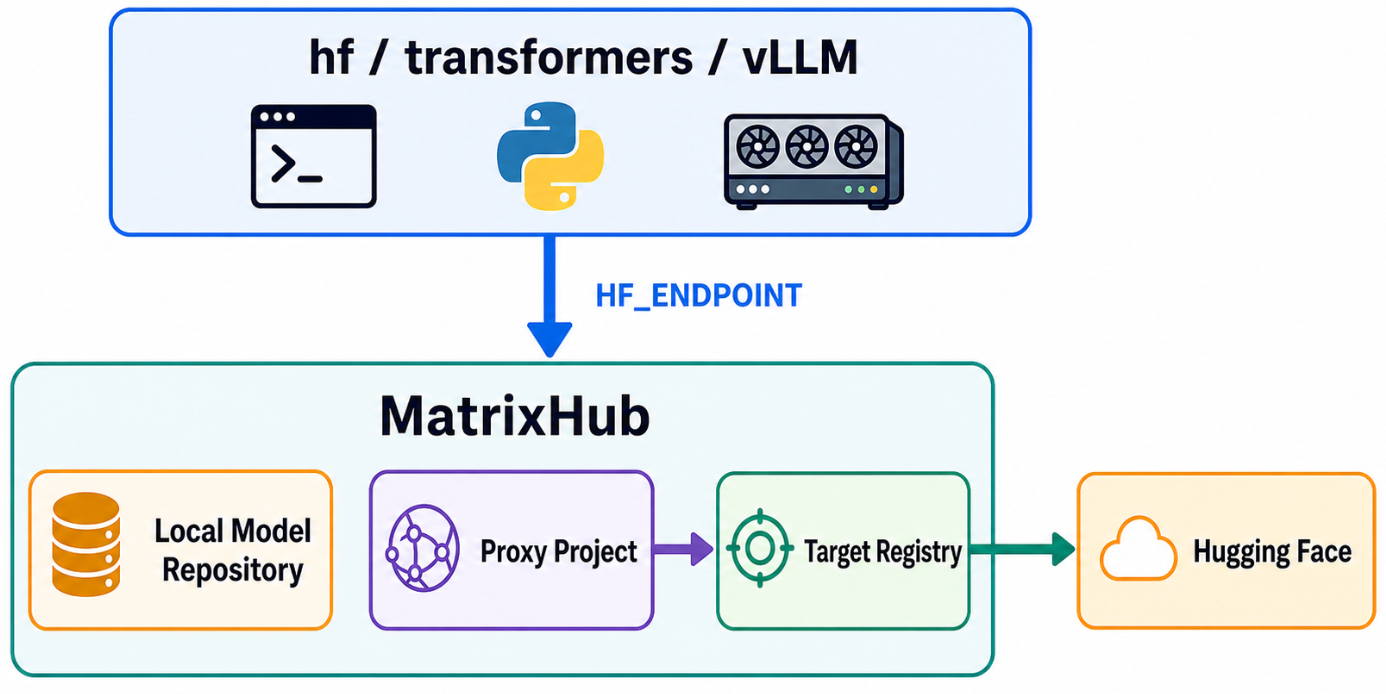
This guide introduces on-demand proxy caching. On the first client request, MatrixHub downloads and caches the model from Hugging Face. Later requests load the model directly from the MatrixHub cache.
Architecture
Prerequisites
- MatrixHub is deployed. This guide uses
http://192.0.2.10:30001as the example MatrixHub address. - Keep the client and MatrixHub on the same internal network when possible.
Ensure that a target registry and proxy project exist
Open the MatrixHub address in a browser and sign in.
- Username:
admin - Password:
changeme
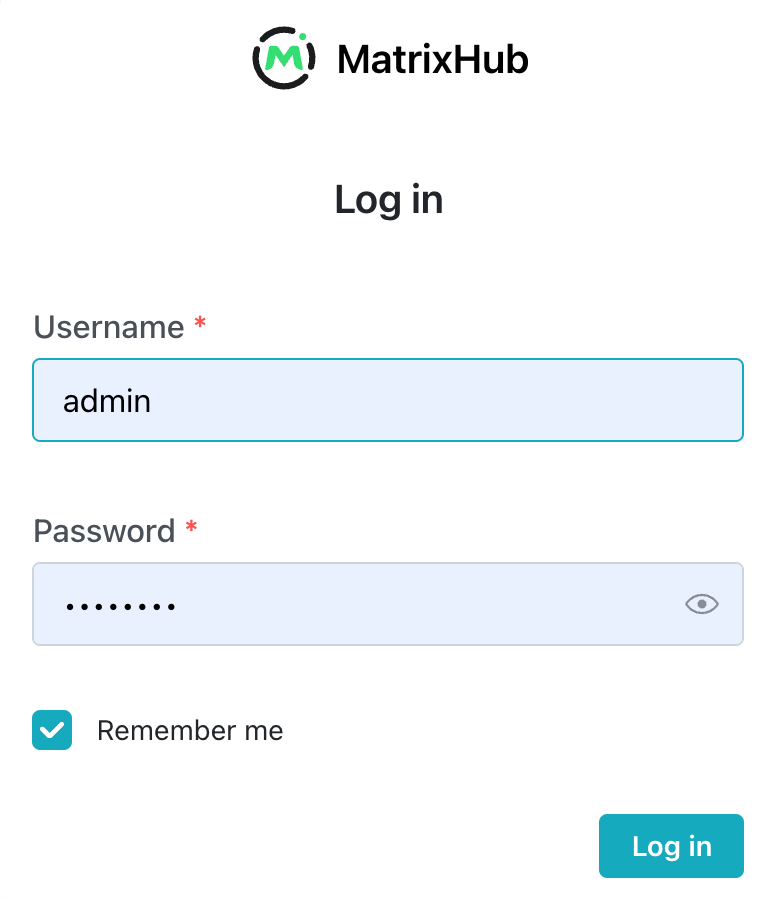
After signing in, open Personal Center and change the password as soon as possible.

Create a target registry
Select the username in the upper-right corner, then select Platform Settings.

Select Registry Management, then select Create Target Registry.
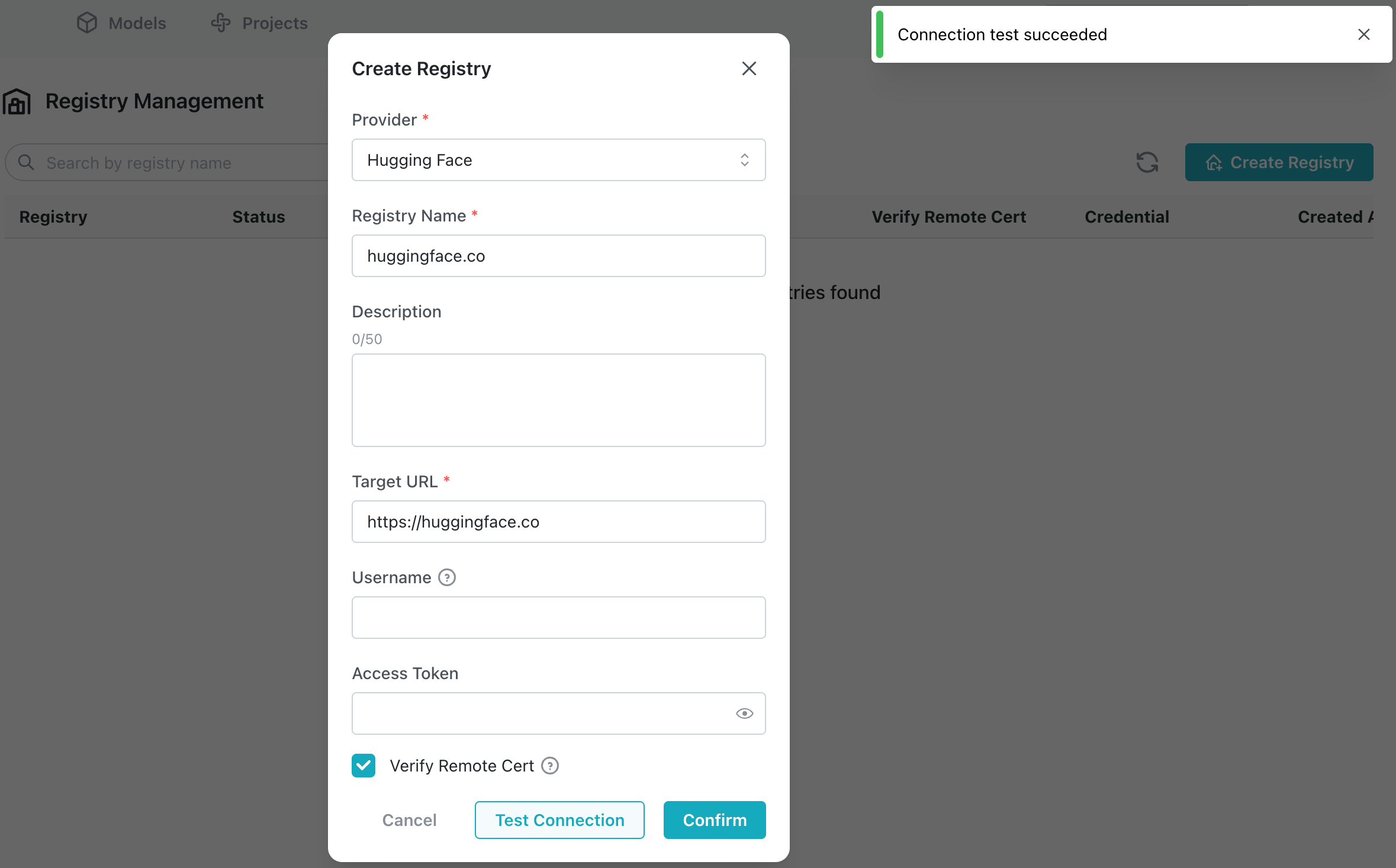
Select the Hugging Face provider. Enter hf-mirror (or huggingface.co) as the registry name and https://hf-mirror.com (or https://huggingface.co) as the target URL. Enable Verify Remote Certificate, then select Test Connection.
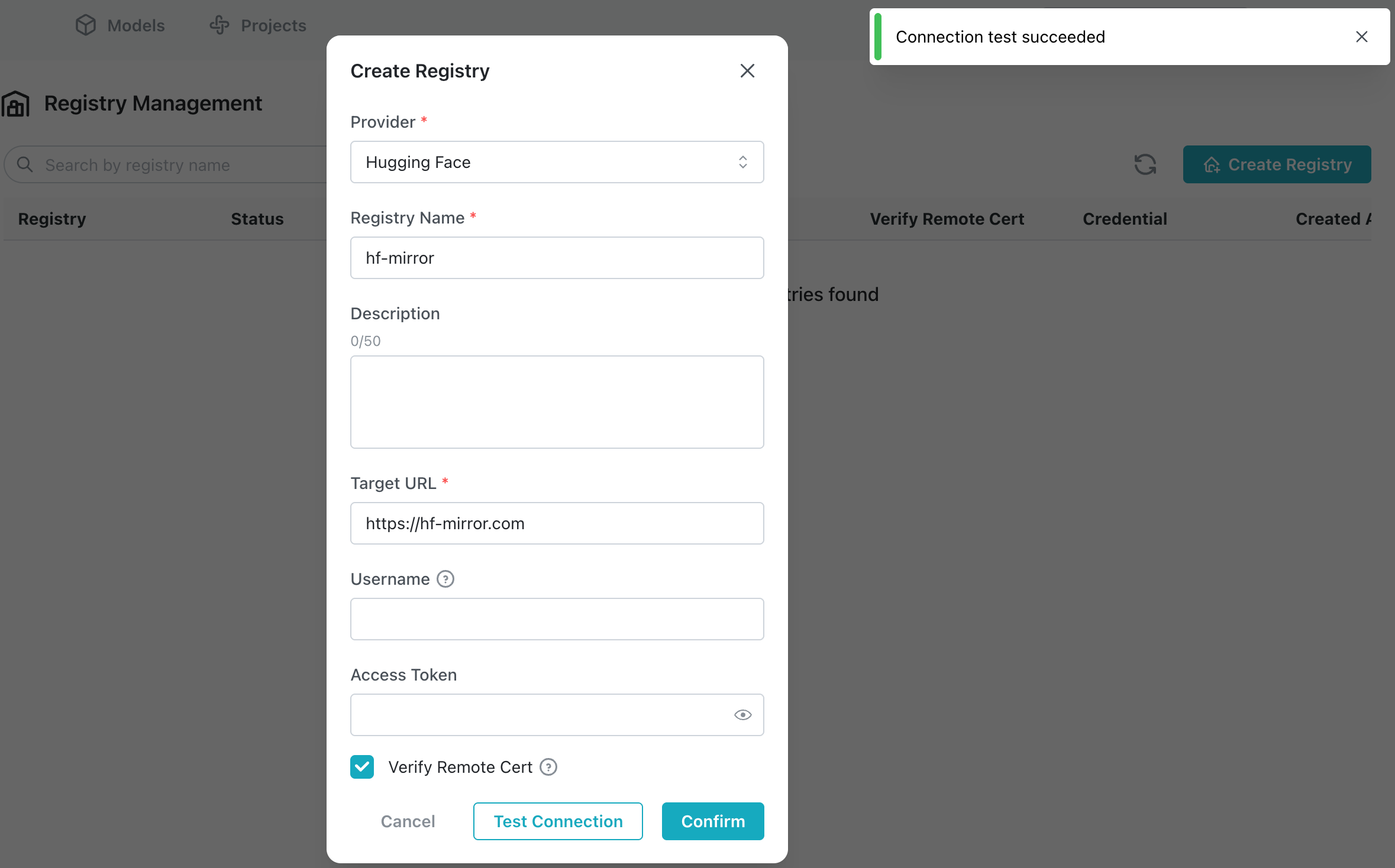
Select Confirm. The target registry is created.
Create a proxy project
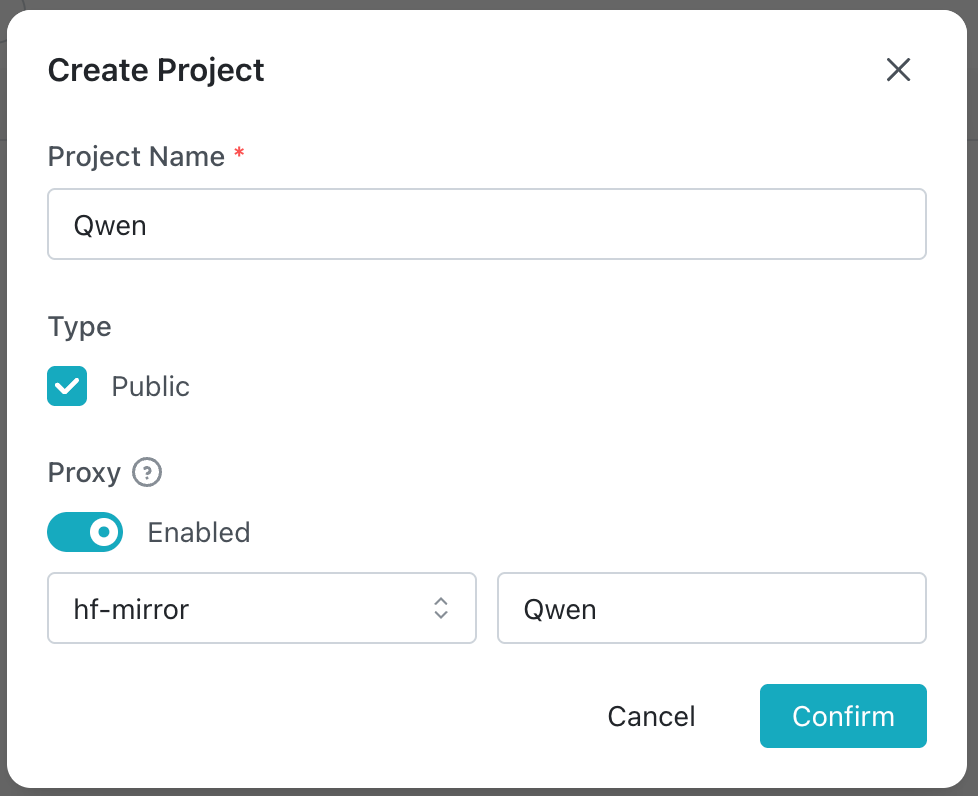
Select Project Management, then select Create Project.

Enter Qwen as the project name, select Public, enable the proxy, select the hf-mirror target registry created earlier, enter Qwen as the proxy organization, then select Confirm.
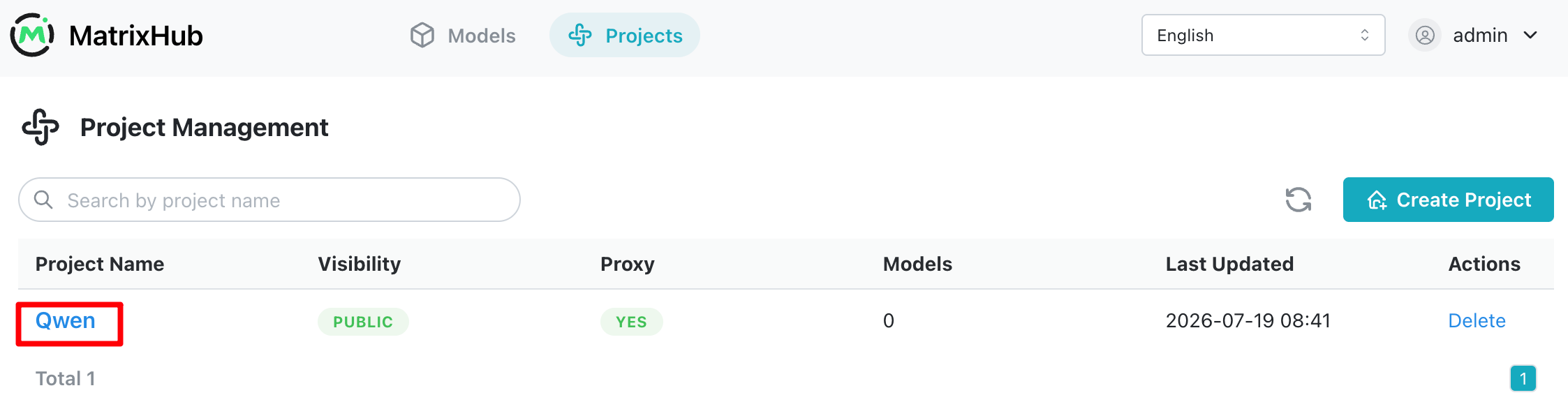
Select Qwen in the project list to open the project.
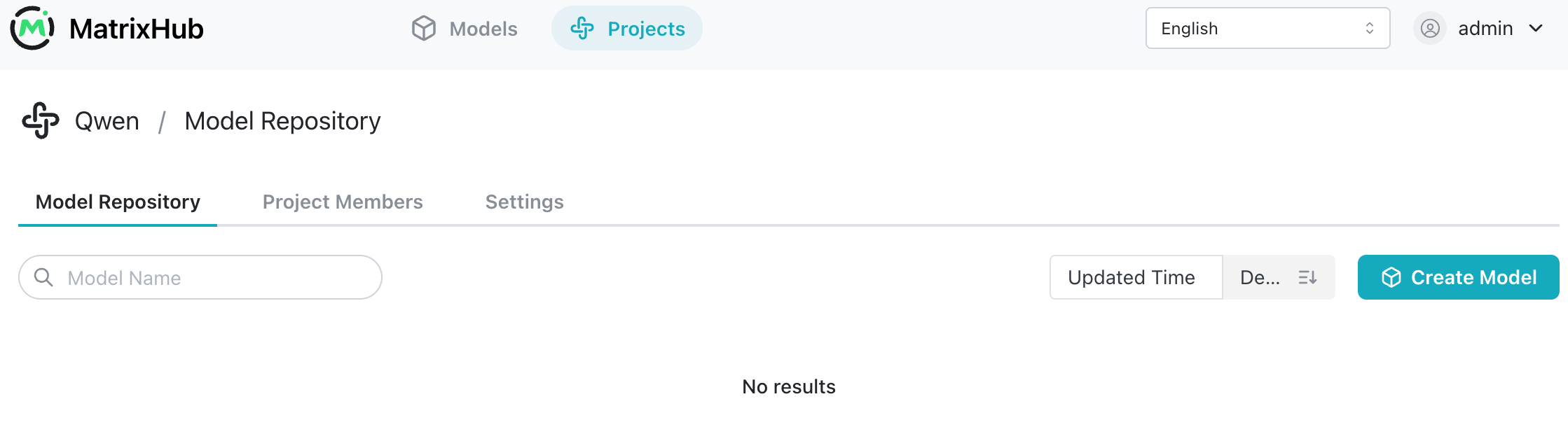
The project does not contain a model yet.
Download a model through MatrixHub on the internal network
Install the Hugging Face hf CLI
See the Hugging Face CLI guide for installation information.
curl -LsSf https://hf.co/cli/install.sh | bash
Point HF_ENDPOINT to MatrixHub
export HF_ENDPOINT="http://192.0.2.10:30001"
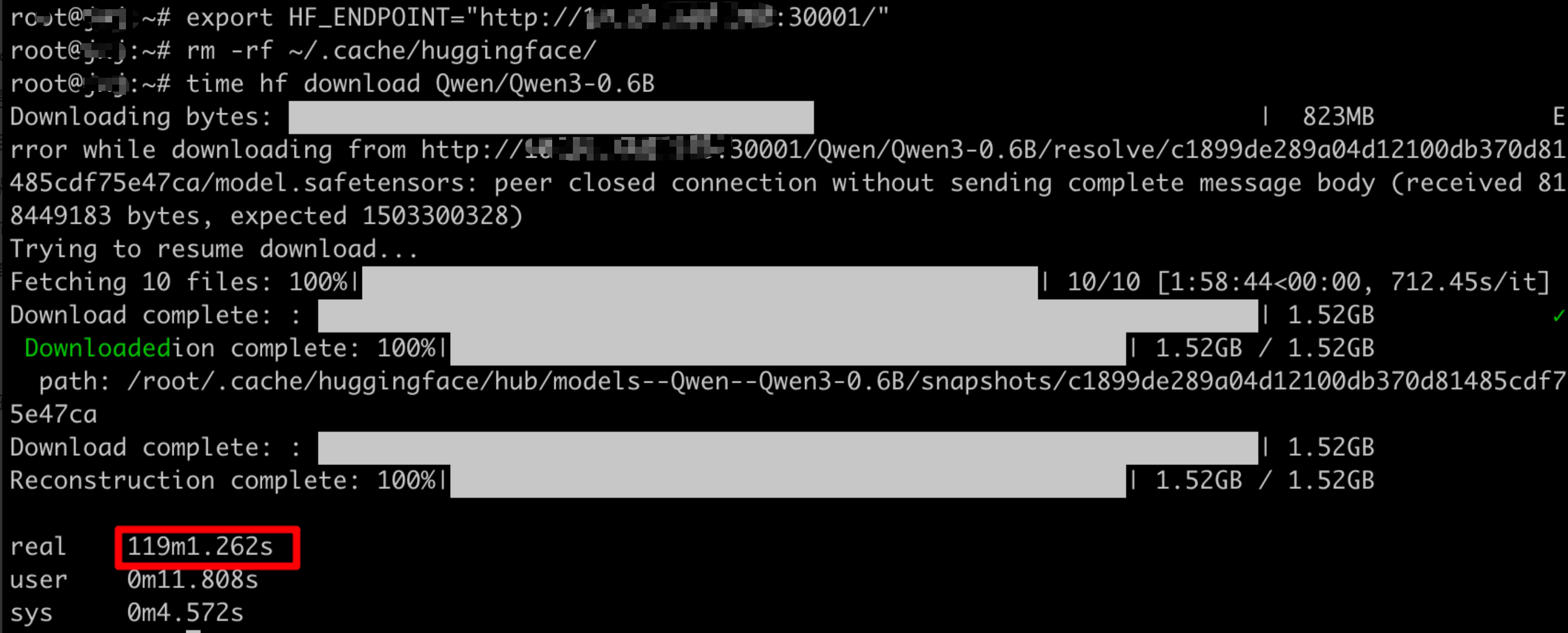
Download Qwen3-0.6B for the first time
time hf download Qwen/Qwen3-0.6B
The first download took a long time because upstream bandwidth was limited: 119 minutes.
View the downloaded model files and their size.
ls ~/.cache/huggingface/hub/models--Qwen--Qwen3-0.6B/
du -sh ~/.cache/huggingface/hub/models--Qwen--Qwen3-0.6B/

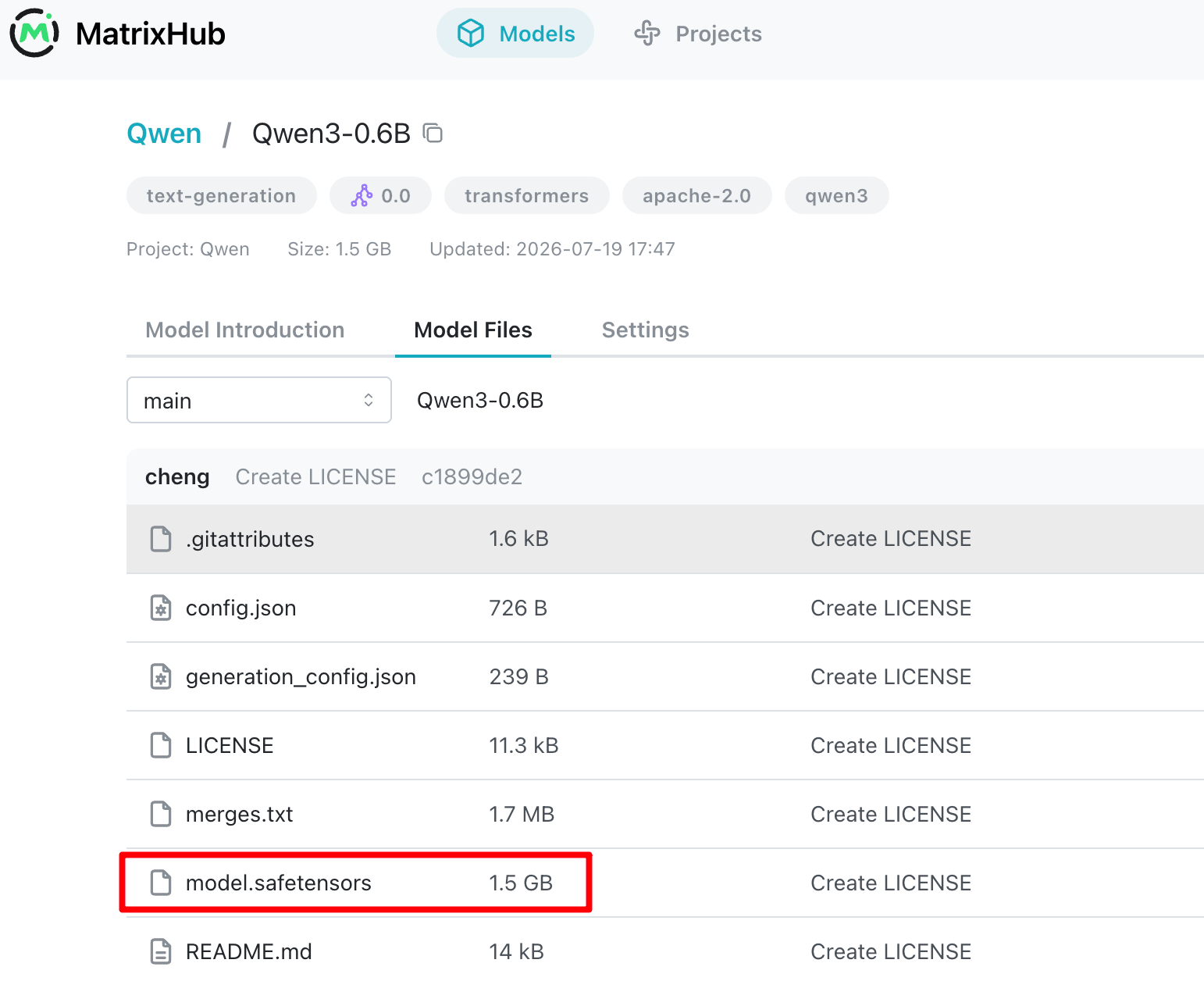
The model detail page now shows the model weights and other files.
Download Qwen3-0.6B again
Delete the locally downloaded model files, then download the model from MatrixHub again.
rm -rf ~/.cache/huggingface/
export HF_ENDPOINT="http://192.0.2.10:30001"
time hf download Qwen/Qwen3-0.6B
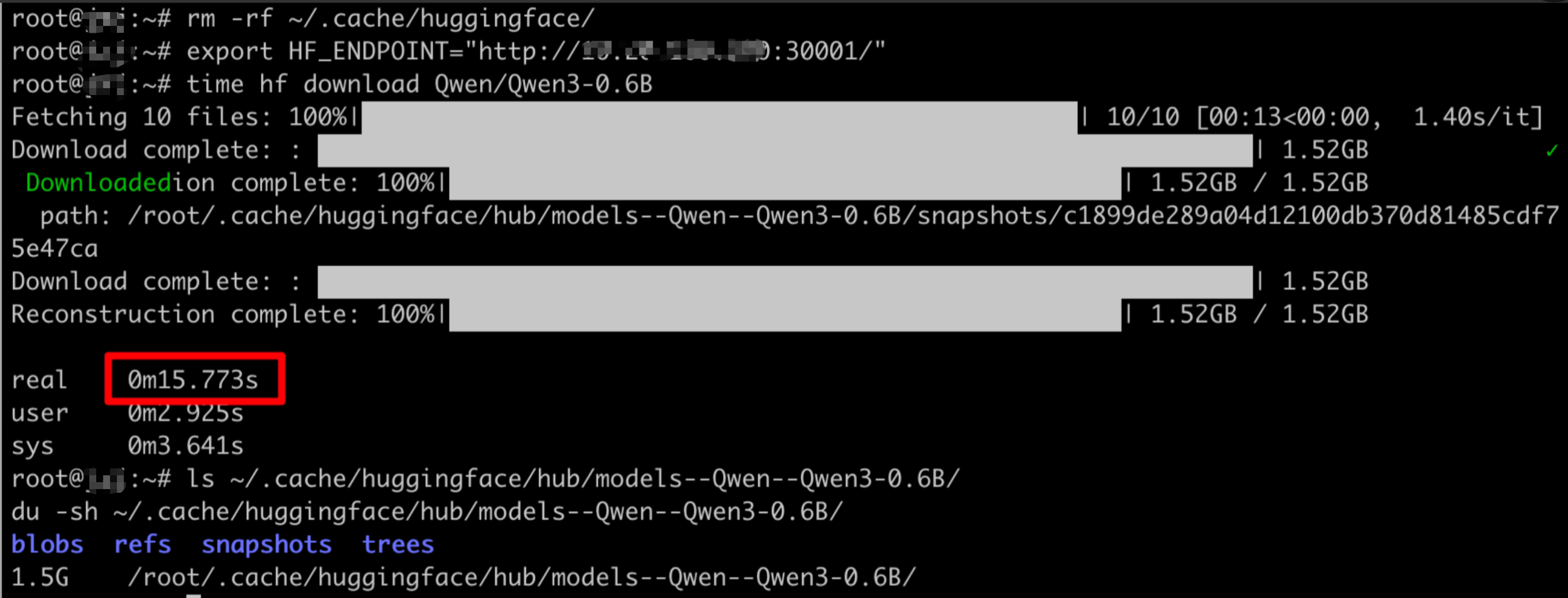
The download took approximately 15 seconds, showing that the model was cached in MatrixHub.
Conclusion
The first on-demand download depends on upstream network speed. Later downloads come directly from the MatrixHub cache and are much faster.
Next step
Follow Load a model into vLLM from MatrixHub to run an inference request with the cached model.